This post includes affiliate links. When you purchase through these links, we may receive a small commission at no extra cost to you. For full details, please see our affiliate disclosure page.
It is never fun to be in one place for too long. I am a wondering spirit and I like to be on the road. During this time of crisis that is not an option so I find myself needing working from home strategies and working on the blog is what I am doing. Whether writing a new blog post, updating old ones, finding a home for a great story or updating my social media profiles. There is plenty to do when you have a travel blog and you are stuck at home working. Here are a few suggestions on strategies to manage your travel blog when NOT traveling:
Review past content
With the blog heading into it’s tenth year, there is plenty of blog posts which are both relevant and also no longer applicable to the main focus. I began transitioning the blog from an organizing blog to a lifestyle blog about 7 years ago then again transitioning to a travel focused blog in 2016.
🏡 Where to Stay: Top Accommodations
🥾 Explore: Tours & Experiences
🚙 Hit the Road: Car Rental Deals
🛫 Get Away: Find Flight Deals
🎒 Shop: Travel Essentials
In this exercise, you can do two things: take your top 20 posts (find them through your Google Analytics) and clean them up. Edit, put in clear images, SEO the crap out of them to, hopefully, make them rank higher. This is your low hanging fruit!
The second task you can do is to archive or delete posts that are no longer relevant. You can either re-direct the URL to a new page which may be relevant or delete. If you are deleting, you will have a series of 404 errors appearing and Google is not a fan of URLs that don’t have content. There is a process of asking Google to disavow or stop crawling for these pages. Best to go to Google Console and do this properly.
Update content
Whether it is broken links, new dates or details which need to be change, it is always a good idea to keep your best content fresh and updated. Check to see if the URLs to the locations or attractions that you refer to are relevant. I use Broken Links Checker – a plugin on WordPress and check them on a regular basis.
Add internal links to other blog posts which may now be a compliment to your topic. With the new re-usable blocks in WordPress’ Gutenberg, I have created blocks with related posts and have added both the links and the block to old content. Fore example on a series of posts for Quebec Maritime, you can see in this blog post how I placed the links to similar or related content at the end of the post. Just makes the reader seek out more of your conent.
SEO optimization

Ten years ago, SEO (search engine optimization) was for super-geeks that knew how to game Google ranking. Today, you will be hard pressed to find a travel writer/blogger that is not all about keywords. Finding words or phrases that you can rank for helps you get on page one of Google. If you are uncertain about SEO here’s a great post giving you the basics of SEO
The most basic way of optimizing a page is to get the Yoast dot to go from red-to-orange-to-green. We are all searching that elusive green dot. It’s pretty easy when you follow the suggestions: find a good keyword, scatter it all over your post, tag your pictures, write compelling content.
Tags and Categories
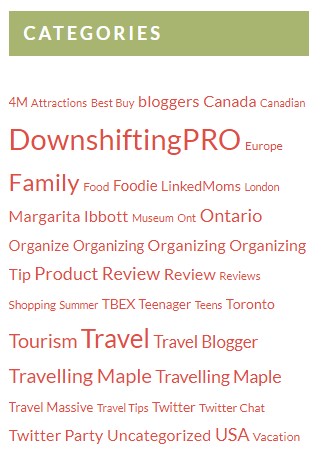
Other strategies to manage your travel blog are to update your tags and categories. Categories are what reside on your blog so people can search for posts related to the word they search. They are the ones that show up on your sidebar.
In my theme, the ones I use the most are larger. Go through your posts and use the ones you want to see highlighted more often.
Tags are more specific. Both are used for SEO and ensuring that each post has a listing of both so that each post is searchable both in your search and in Google’s.
Tag IMAGES + add descriptions
This can be very time consuming but Google searches both your text and your images. Be sure and provide a relevant title to each image, add an ALT text and if you are really keen, write a description of the image.
Google is for everyone, so those with sight impairments can also ‘see’ what is in the image as the description is used to identify it. It improves accessibility for people who can‘t see images on web pages, including users who use screen readers or have low-bandwidth connections. The image description is also great for SEO and you should keep it simple but relevant.
Create Pins
Coming from a lifestyle (parent blog), we hopped on Pinterest very quickly. A while back I did one of the first workshops on Pinterest at PodCamp Toronto. I loved how the platform worked and have been a great proponent of sharing your blogging content there.
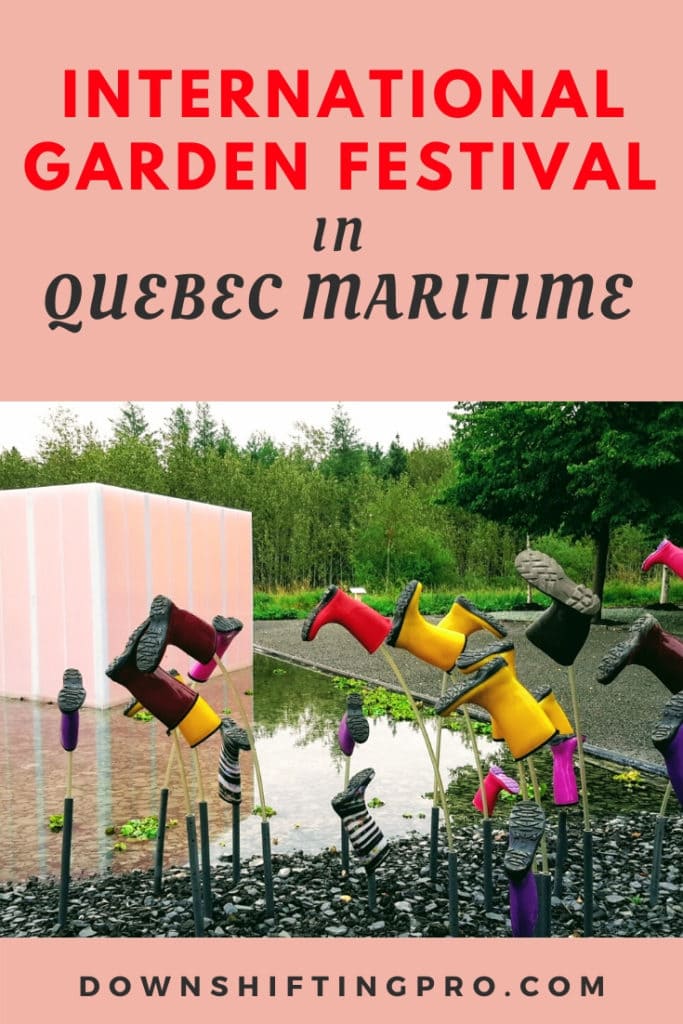
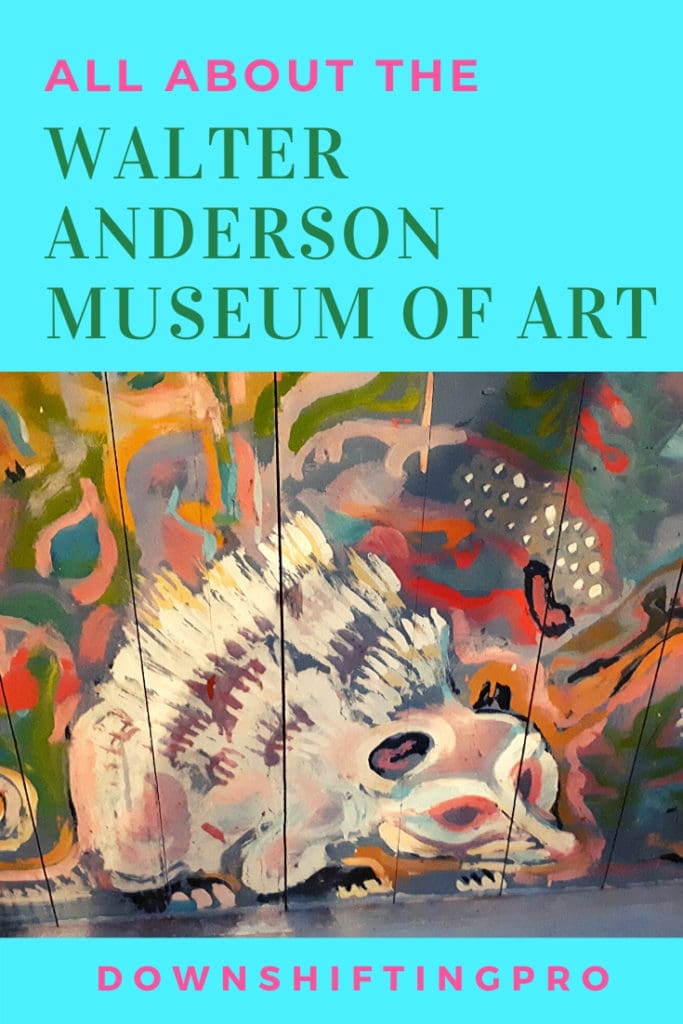
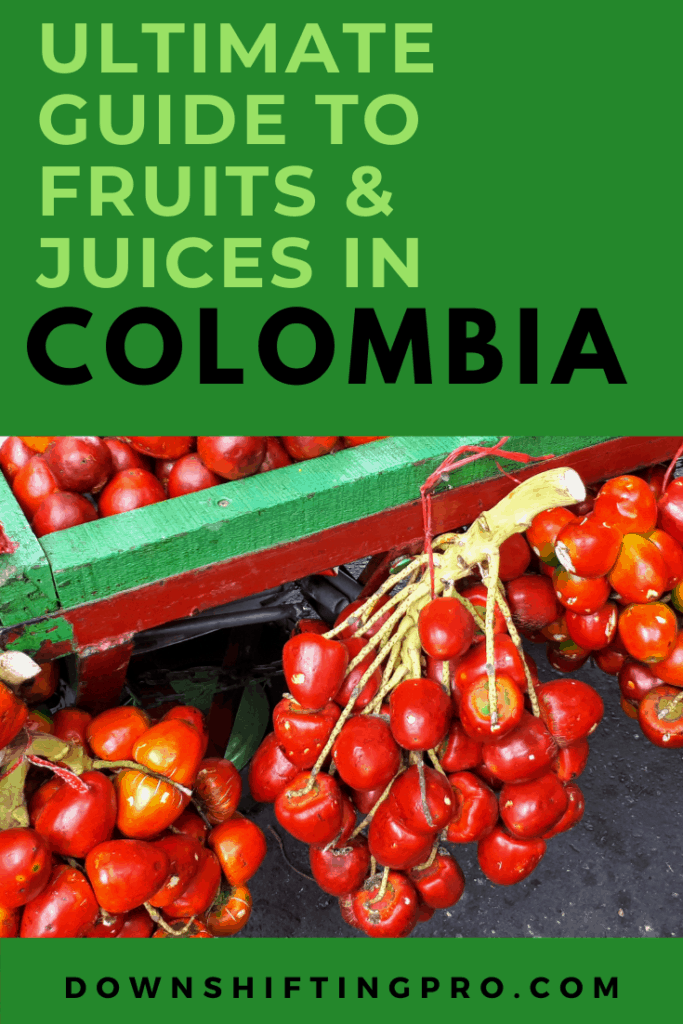
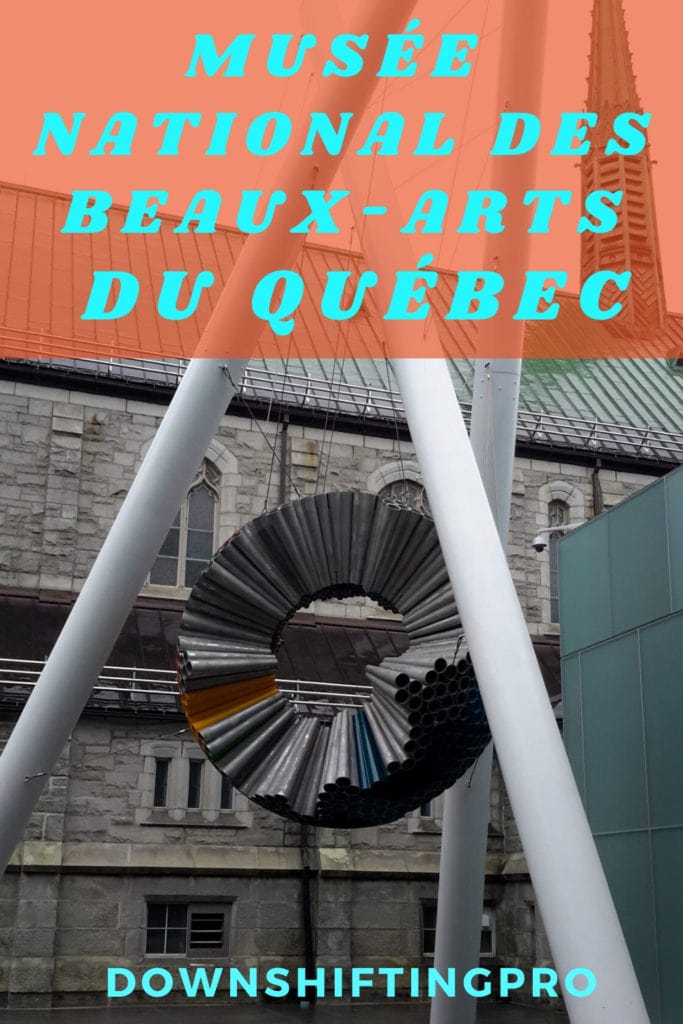

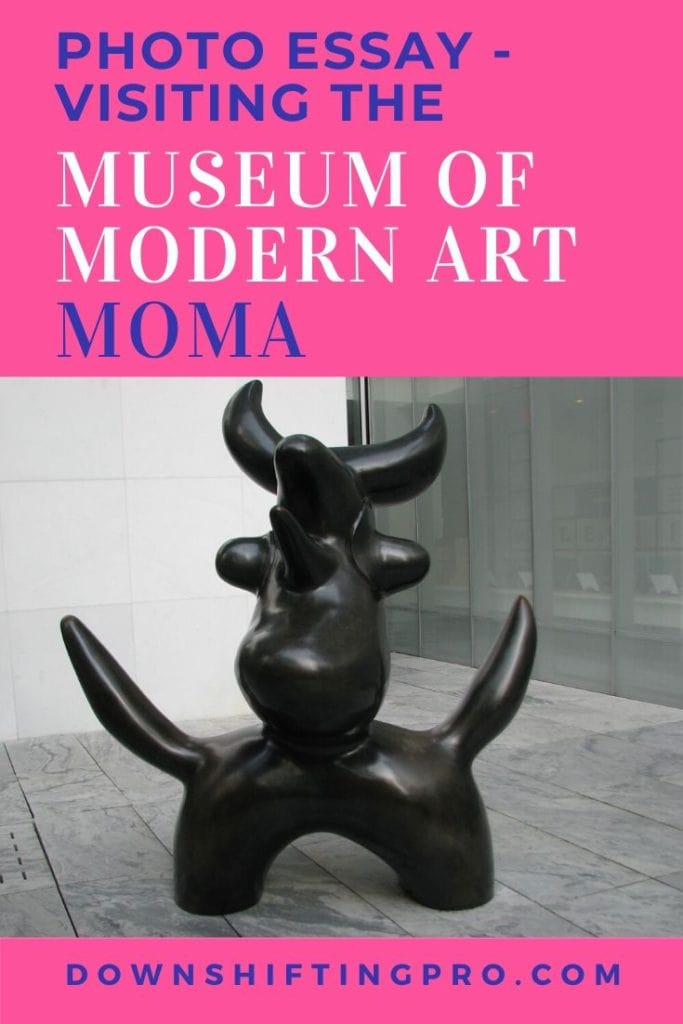
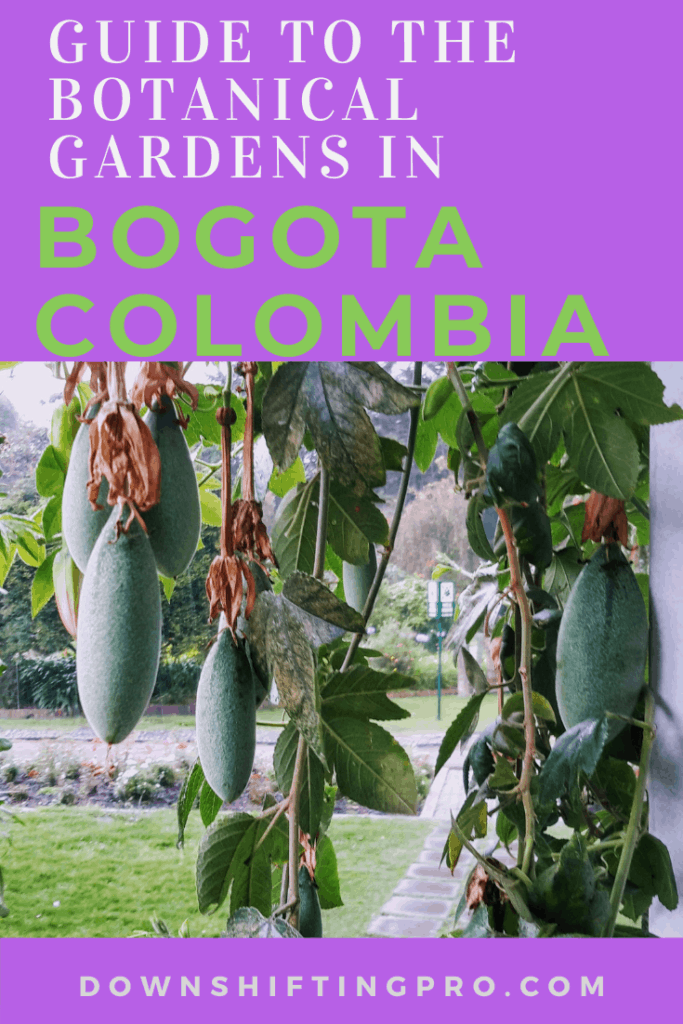


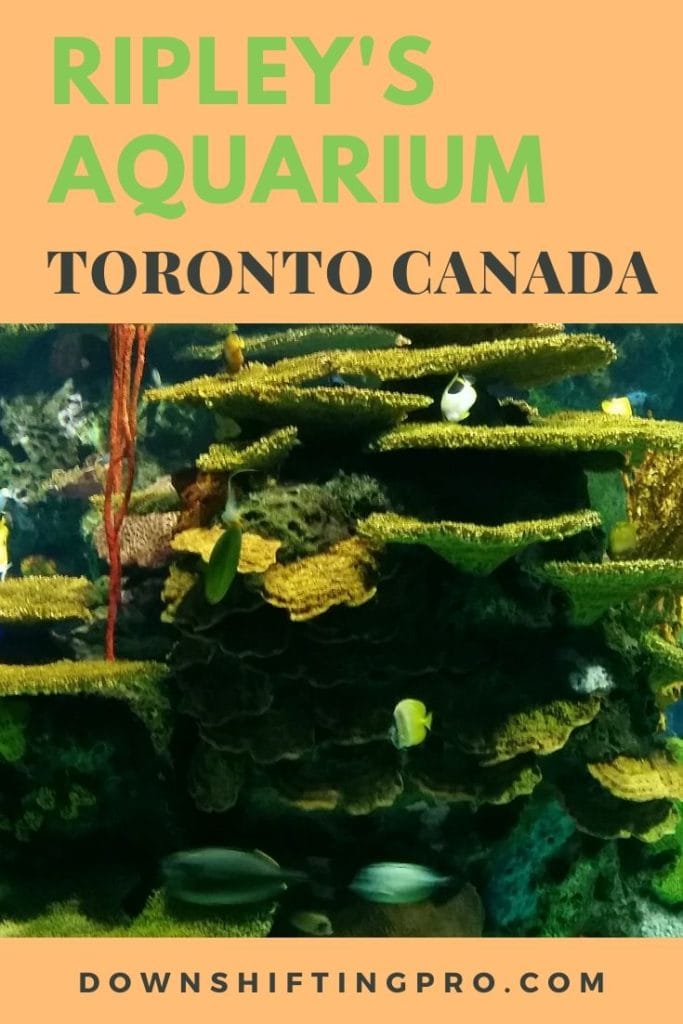
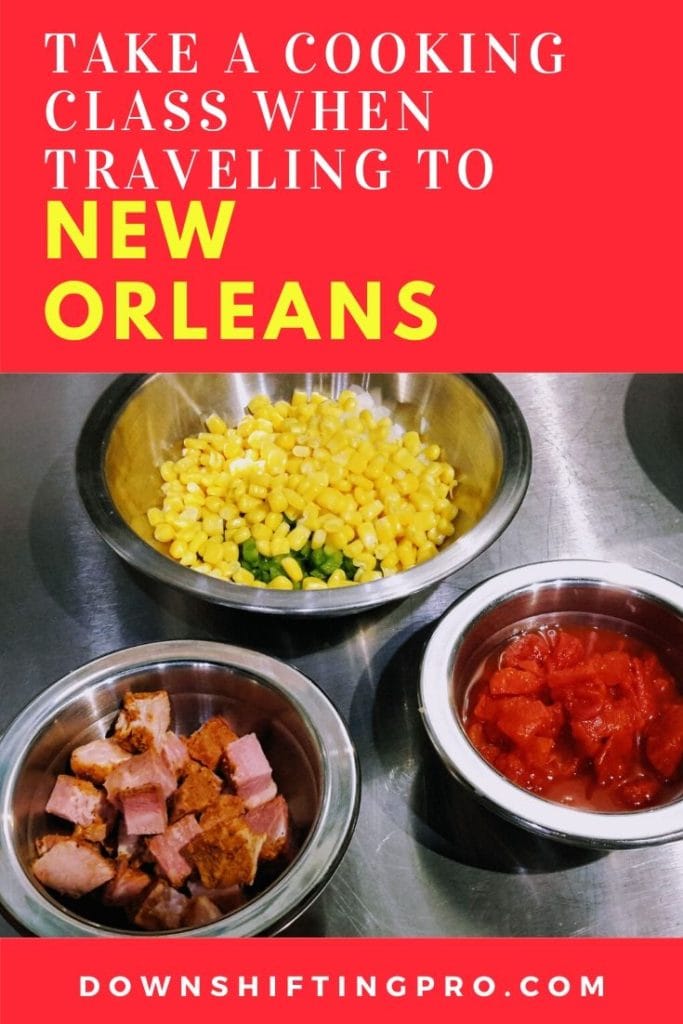


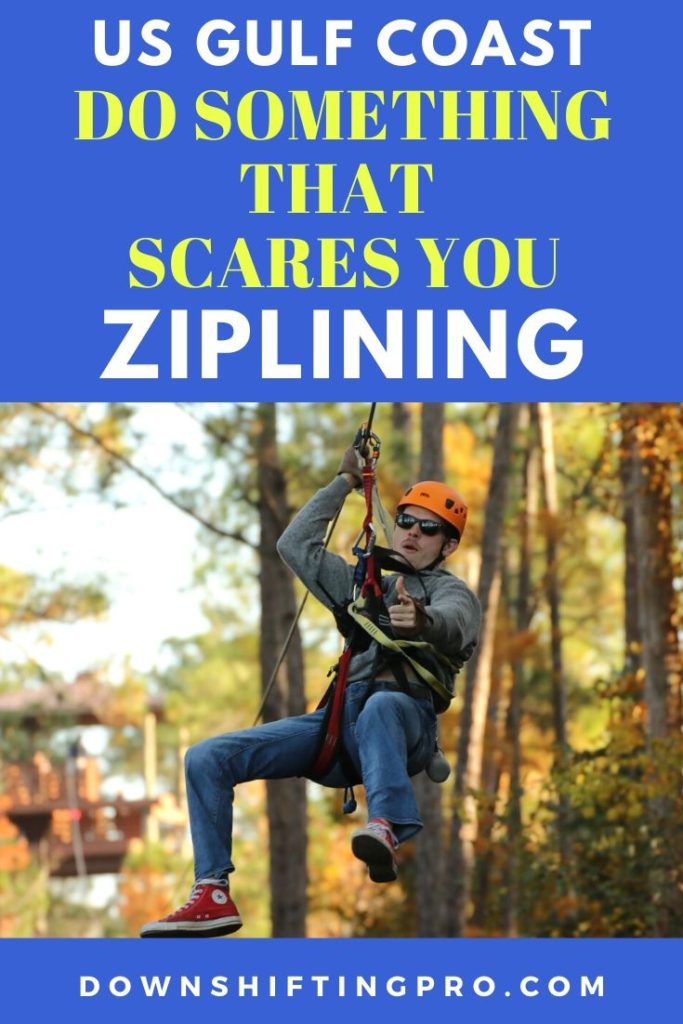
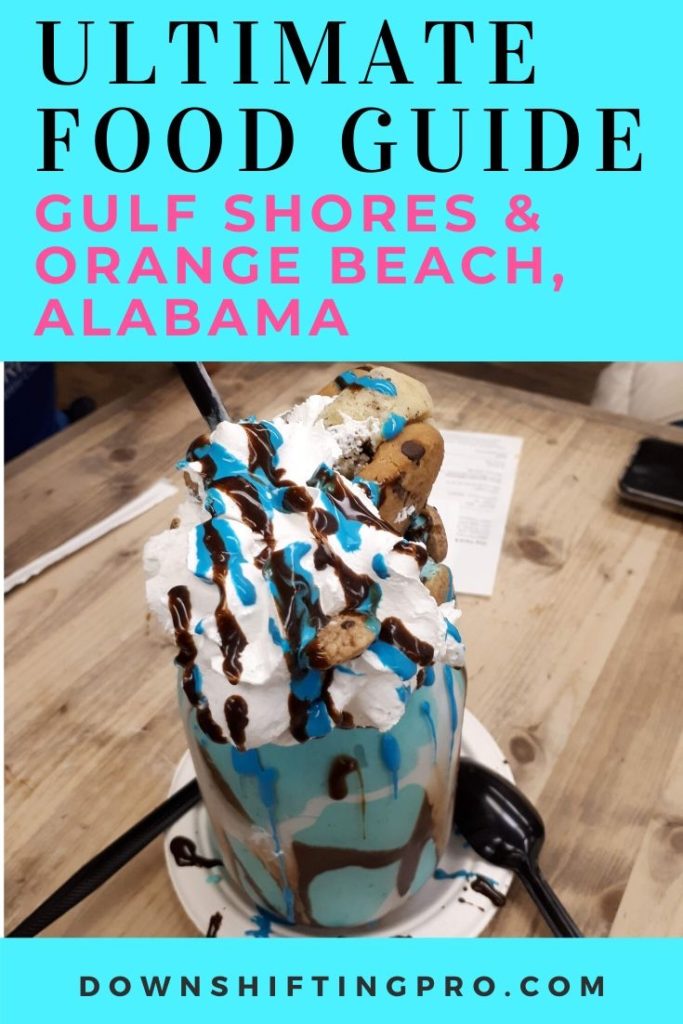


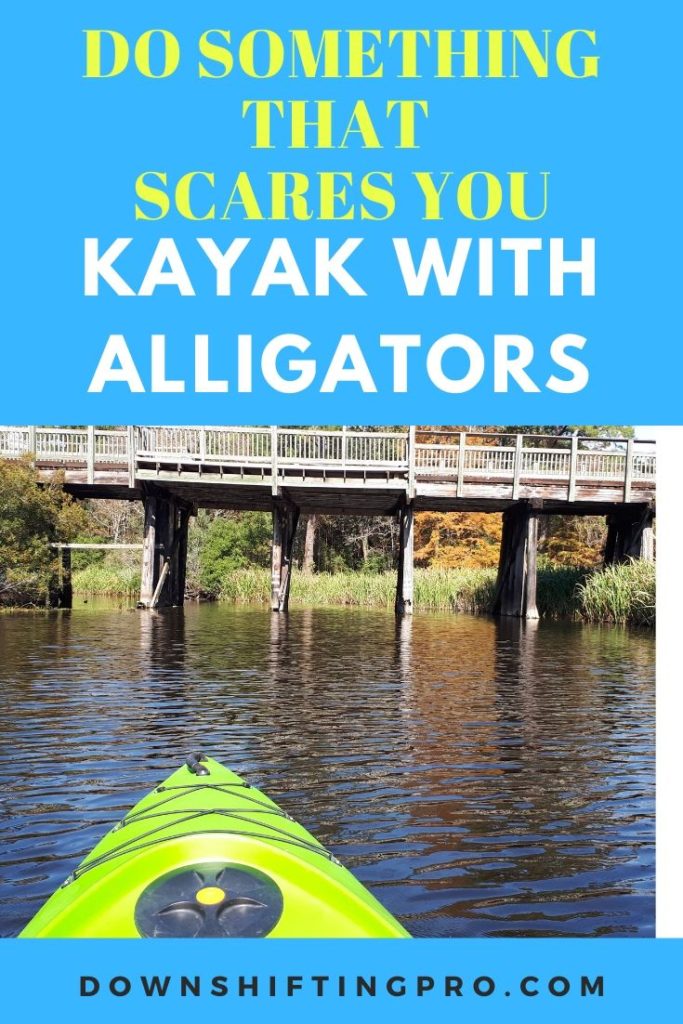
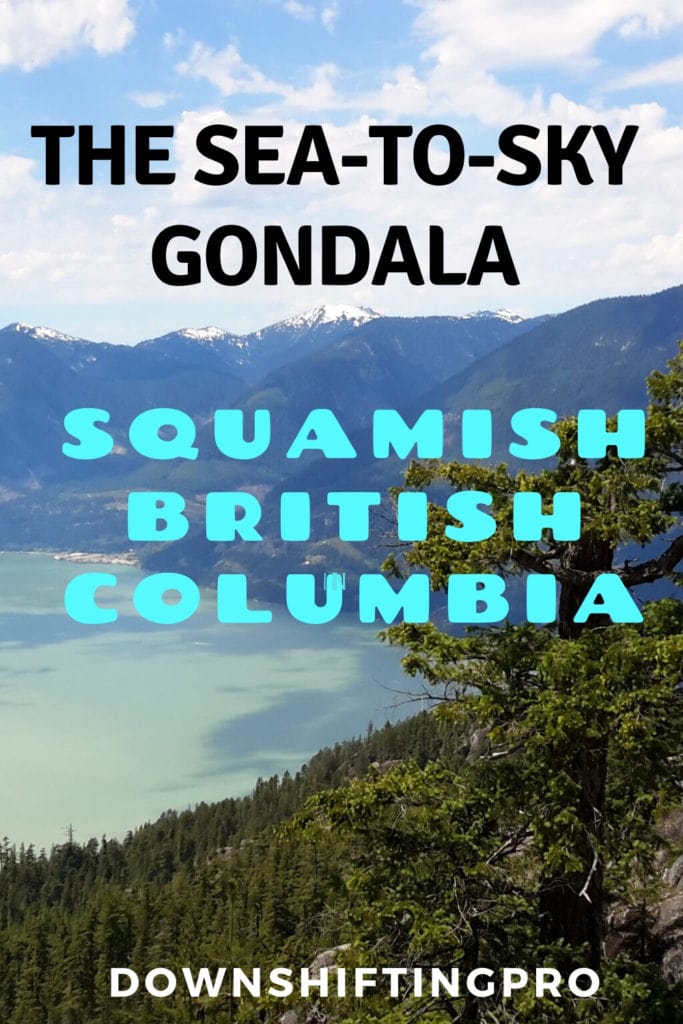

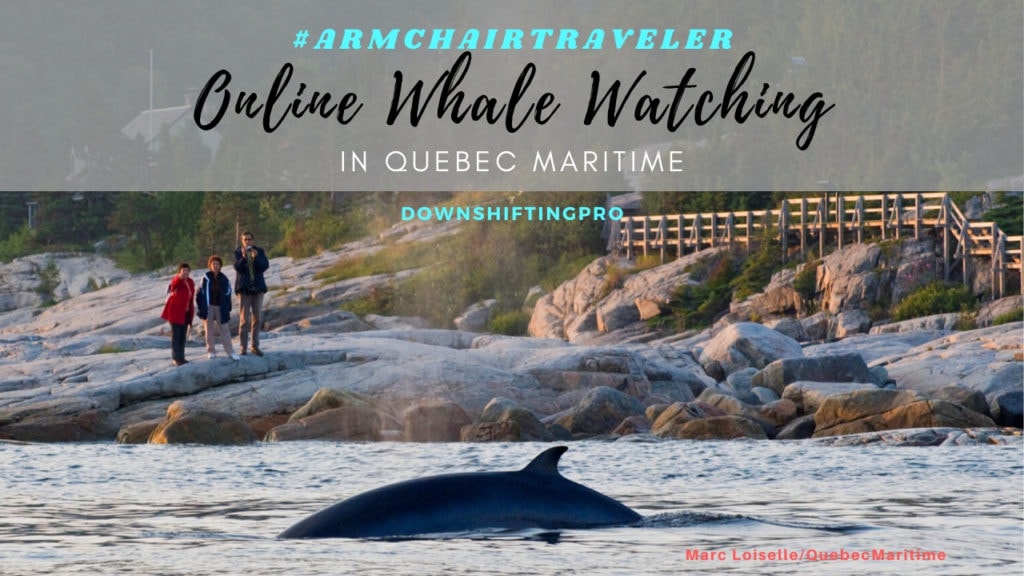
Where lifestyle blogs have always created PINS in their blog post, travel blogs have not. This has changed dramatically in the last 14 months. Pinterest has EXPLODED for travel blogs and has become the main source of traffic for many. Travel bloggers are now creating some of the most beautiful and enticing pins on Pinerest.
I say get a consistent look and start creating pins. Make a minimum of three per post and know that Pinterest wants to see new pins. So if you have pins now, you need to update them.
Share your content
Whether you schedule tweets, shares on Facebook or use Tailwind to post your pins, sharing content is essential to increasing your pageviews. I have taken the time to load pins to my Tailwind account so they are constantly (and effortlessly) being shared. If you wanted to try this out, you can click on the link to get a free 30 day trial. next task is to find a few groups on Facebook that are dedicated to sharing your content. Sharing threads have been around for years and have gone in and out of favour. The key is to find ones where there are strict rules and good sharing.
I have a group that consistently shares my PINs on travel boards on Pinterest. The best part is I also find great content to pin to my very popular Travel Blogs and Travel Bloggers to Follow Pinterest board. I have also found great pins to plan my trips. I wrote a whole post on how to plan a trip using pinterest earlier this year.
There are many ways to use strategies to manage your travel blog so JUST DO IT. You can take the time that you have now with #stayhome orders to keep your blogging growing and getting better. There is no better investment than making your blog better for your readers. What are you doing to make it a better experience?
🥾 Explore: Tours & Experiences
🏡 Where to Stay: Top Accommodations
🚙 Hit the Road: Car Rental Deals
🛫 Get Away: Find Flight Deals
🎒 Shop: Travel Essentials